
Introduction
Platform overview: worlds, Studio, the Lua runtime and the server/client execution model.
Game structure
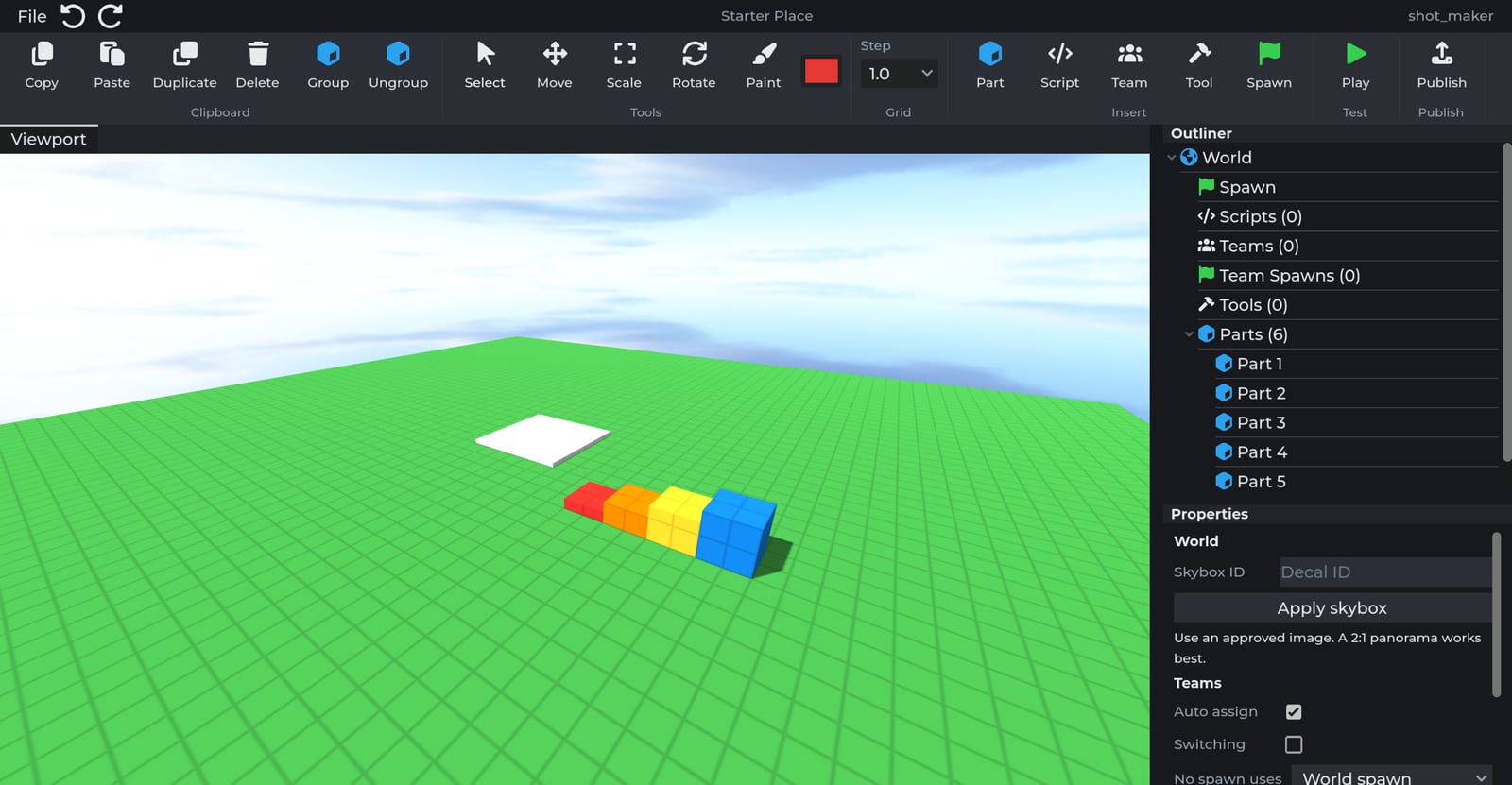
A Cube3D game is a world: parts, models, scripts, tools, teams and settings stored as one document. Worlds are edited in Studio, tested with Play and released with Publish. Servers always load the most recently published version.
| Object | Description |
|---|---|
| Parts | Physical primitives with shape, color, material and physics properties. |
| Models | Containers that group parts, models, values and scripts. |
| Values | Typed single-value objects used for configuration. |
| Storage | Inactive container for objects that scripts clone into the world. |
| Scripts | Lua code executed on the server or on each client. |
| Tools | Equippable items with activation events. |
Execution model
Scripts run in one of two contexts:
- Server scripts run once per server and are authoritative for game state: scoring, damage, round flow and persistence.
- Client scripts run on each connected device and handle local presentation: UI, input and screen effects.
The two contexts communicate through Remote events and replicated State. See Scripts.
Runtime
Scripts run on Lua 5.4 with the Cube3D API exposed through game:GetService. The standard library is restricted to the functions listed in Globals.
local Players = game:GetService("Players")

Players.PlayerAdded:Connect(function(player)
	player:SendMessage("Welcome, " .. player.Name .. "!")
end)
Next steps
- Studio basics covers the editor.
- Your first script walks through events and leaderboard stats.
- Search the reference with Ctrl K.